As technology continues to evolve, many users find themselves in need of connecting modern devices, such as Blu-ray players and gaming consoles, to older televisions that only support composite video connections. This is where HDMI to composite converters come into play. However, like any piece of technology, these converters may encounter issues that can be frustrating for users. In this article, we will explore common problems associated with HDMI to composite converters and provide you with troubleshooting tips to resolve these issues effectively.
Understanding HDMI and Composite Video Standards

Before diving into troubleshooting, it’s essential to understand the differences between HDMI and composite video standards. HDMI (High-Definition Multimedia Interface) is a digital interface that transmits high-definition video and audio signals through a single cable. In contrast, composite video is an analog signal that combines video information into a single channel, often resulting in lower resolution and quality. The difference in these technologies can lead to various compatibility issues when using converters.
Common Issues with HDMI to Composite Converters
Despite their usefulness, HDMI to composite converters can face several issues. Here are some of the most common problems:
- No Signal: The most reported issue is the “no signal” error, where the television does not display any image.
- Poor Video Quality: Users may experience poor image quality with distorted colors or flickering.
- Audio Issues: Sometimes, the audio may not sync correctly or may not be transmitted at all.
- Incompatible Resolutions: Some converters may not support certain resolutions, leading to display issues.
- Overheating: Prolonged use can cause converters to overheat, leading to performance degradation or failure.
Troubleshooting Tips
/hdmi-connector-Getty-157607244-58a9c9715f9b58a3c925a2fb.jpg)
Now that we’ve identified common issues, let’s explore troubleshooting steps you can take to resolve them.
No Signal
If you are experiencing a “no signal” error, try the following:
- Check Connections: Ensure that all cables are securely connected. Disconnect and reconnect both the HDMI and composite cables.
- Power Cycle Devices: Turn off your HDMI source device, converter, and television, then turn them back on in that order.
- Test with Different Devices: Try connecting another HDMI device to rule out issues with the original source.
- Ensure Correct Input Selection: Verify that your television is set to the correct input for the composite connection.
Poor Video Quality
If you’re facing poor video quality, consider the following solutions:
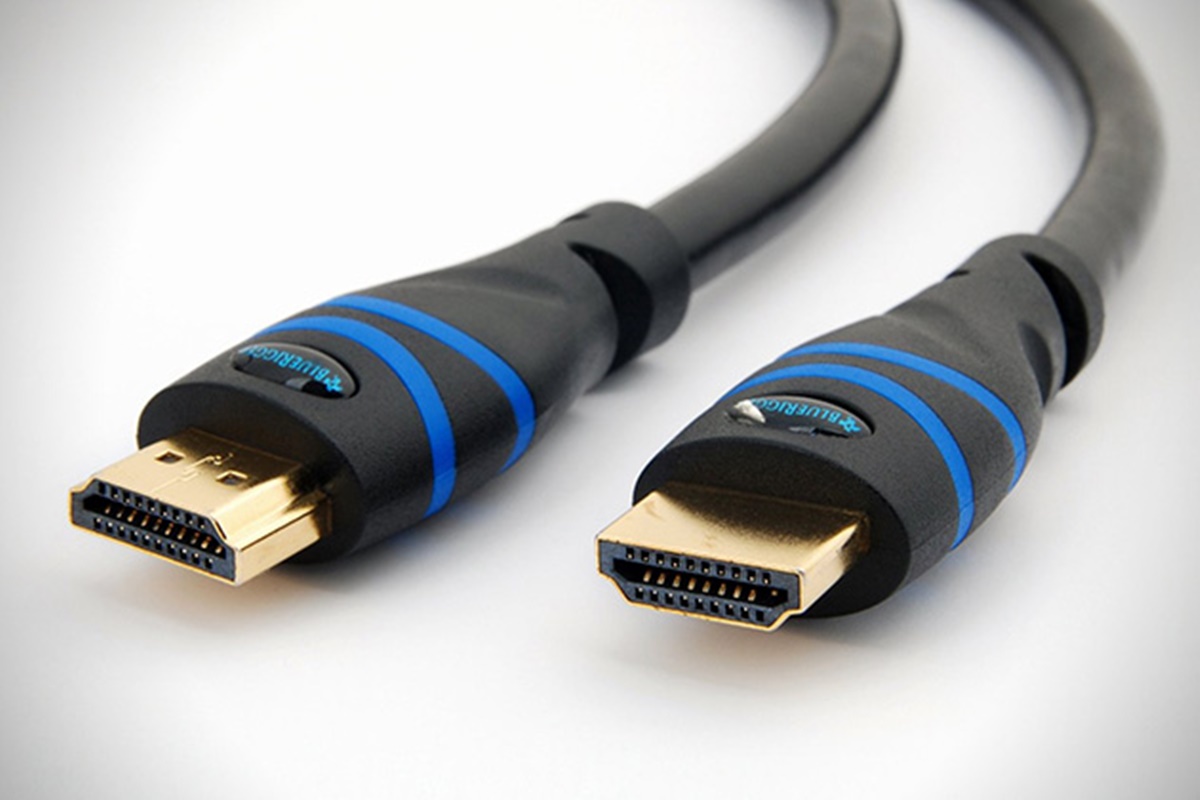
- Use High-Quality Cables: Low-quality HDMI or composite cables can degrade video quality. Invest in good-quality cables to ensure better performance.
- Adjust Display Settings: Check the display settings on your HDMI source device. Lower the resolution to see if that improves the output.
- Check Converter Specifications: Verify that your converter supports the resolution and refresh rate of your HDMI source.
Audio Issues
Audio syncing problems can also arise. Here are some steps to troubleshoot:
- Ensure Proper Audio Output Settings: On your HDMI source device, ensure that audio output settings are configured correctly (e.g., PCM, stereo).
- Update Firmware: Some converters allow firmware updates. Check the manufacturer’s website for any available updates that may resolve audio issues.
- Use External Audio Solutions: If audio continues to be a problem, consider using an external audio extractor that separates audio from the HDMI signal.
Incompatible Resolutions
Incompatible resolution settings can lead to display issues. To troubleshoot:
- Check Converter Compatibility: Refer to the user manual to ensure your converter supports the resolution and refresh rate of your HDMI device.
- Change Output Resolution: Try lowering the output resolution on your HDMI source device to see if it resolves the issue.
- Test with Different Resolutions: Experiment with various resolutions to determine which works best with your converter and television setup.
Overheating
:quality(80)/cloudfront-us-east-1.images.arcpublishing.com/semana/3VSJ3HKWFFB25OYQO6OG6G4YFE.jpg)
If your HDMI to composite converter is overheating, take the following steps:
- Provide Adequate Ventilation: Ensure that the converter is placed in a well-ventilated area to prevent overheating.
- Limit Usage Time: Avoid using the converter for extended periods. Allow it to cool down between uses.
- Consider Upgraded Models: If overheating persists, it may be time to invest in a higher-quality converter designed to handle longer usage times.
Case Studies and Examples
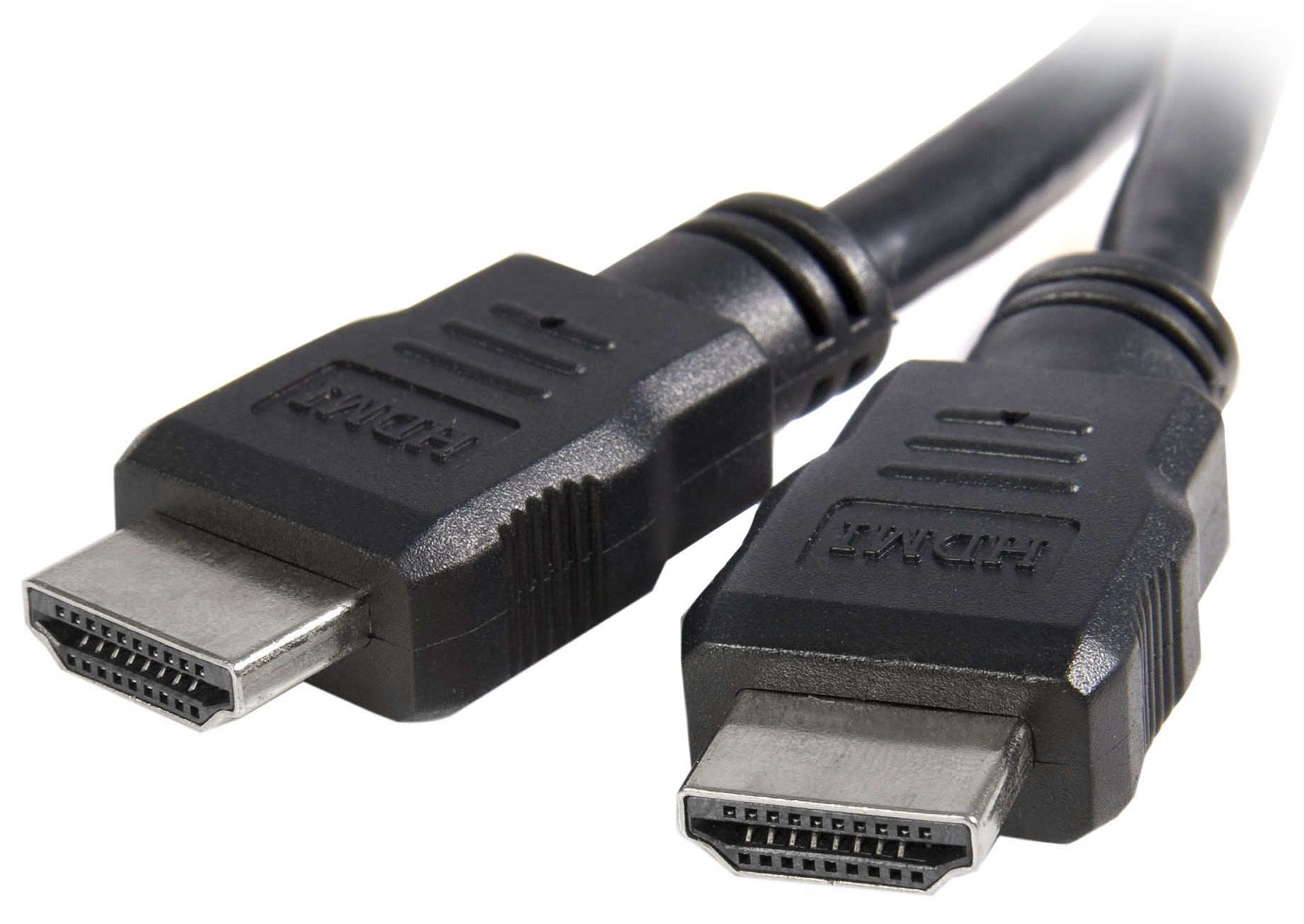
Real-world examples can help illustrate the effectiveness of these troubleshooting steps. For instance, a user reported that after purchasing a budget HDMI to composite converter, they experienced frequent “no signal” issues. After following the troubleshooting steps—checking connections, power cycling, and testing with different devices—they discovered that the issue was due to a faulty HDMI cable, which, once replaced, resolved their problems.
In another case, a gamer faced poor video quality while using an HDMI to composite converter. After investing in a high-quality HDMI cable and adjusting the output settings on their console, the video quality improved significantly, demonstrating how simple adjustments can yield substantial benefits.
Troubleshooting HDMI to composite converters can be a daunting task, but understanding the common issues and applying systematic troubleshooting methods can resolve most problems effectively. Whether you face a “no signal” error, poor video quality, audio issues, incompatible resolutions, or overheating, the solutions outlined in this article can help you restore functionality to your setup.
Key takeaways include the importance of using high-quality cables, checking device compatibility, and ensuring proper connection settings. By leveraging these insights, you can optimize your experience with HDMI to composite converters and enjoy the benefits of connecting modern devices to older televisions seamlessly.